2 minute read
While running an integration platform import you get a “TF237165: The Team Foundation Server could not update the work item because of a validation error on the server. This may happen because the work item has been modified or destroyed, or that you do not have permission to update that work item.”
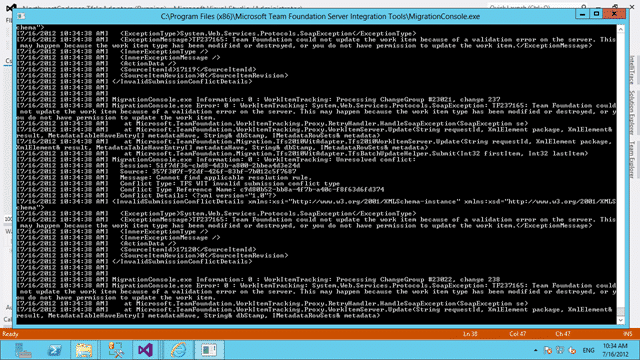
Figure: TF237165: The Team Foundation Server could not update the work item
Unfortunately it does not tell you what it was trying to save.
Applies To
- TFS Integration Tools 2.2, March 2012
Finding
This was a Configuration error that was not really presented effectively. I found it by reducing the dataset to a few known failing items and commenting out all of the field before re-running the migration. I then added each field in one at a time until the error occurred.
I had a missing field migration to map a data value into reason:
And I had an incorrect mapping in the ValueMap:
Figure: Value mapping for Reason field
You can see on lines 2 and 3 of the code above I had incorrectly specified the mapping as having a left value for the field that I was mapping as a @@MISSINGFIELD@@.
Subscribe to Martin's articles
Writing since 2006
Articles, usually weekly on Mondays. One click to leave.
Workaround
The mentioned field either needs removed from the mapping or added to the work item. In this case I will be removing it from the mapping as I don’t need that field on the Task WIT.
Did this solve your problem?
Enjoyed this? One click, no account.
Smart Classifications
Each classification [Concepts, Categories, & Tags] was assigned using AI-powered semantic analysis and scored across relevance, depth, and alignment. Final decisions? Still human. Always traceable. Hover to see how it applies.