1 minute read
I am installing VS2008 in a virtual environment, so this may not be exactly what you would get, but the purpose is to identify if VS2008 does indeed work on Windows 7 and what the experience is like.
The first problem is that the auto run does not seam to function.
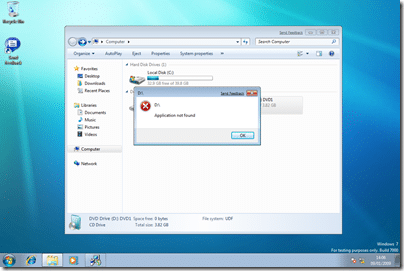
This can be rectified by browsing the CD / Image and running setup.exe
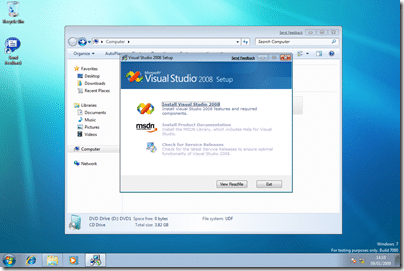
So far so good.
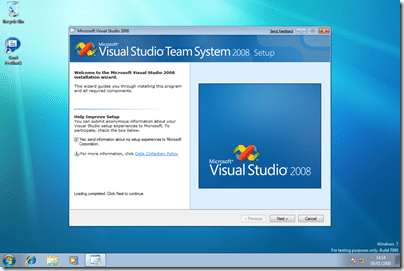
After you have accepted the licence agreement you need to select the installation components.
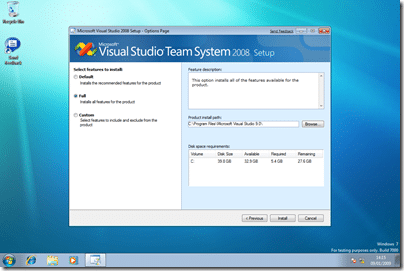
I am selecting Full so we can make sure it all goes on, but usually I remove SQL Express as I would add SQL Server developer edition later.
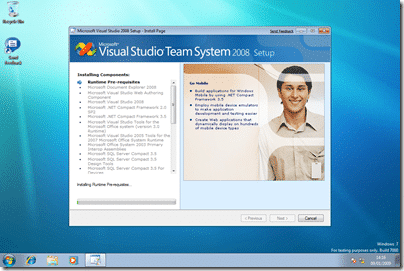
It’s that guy again :), we need to let this cook for “some time, or considerably longer”…
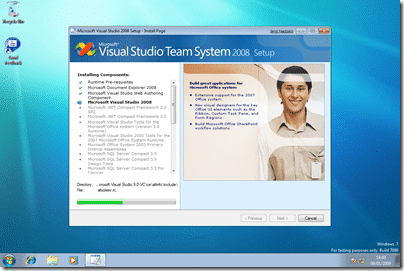
Some time later….
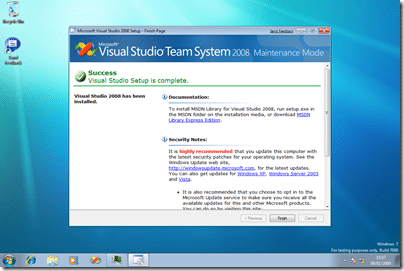
After some 2 hours (remember I am in a virtual computer)
I now have Visual Studio 2008 Team Suit installed…
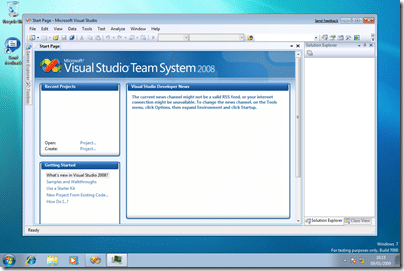
I will need to service pack it and check functionality, probably by working on the TFS Sticky Buddy project on it and making sure that I an still deploy and run on other platforms! That is for another day though…
Technorati Tags: Windows ALM VS 2008 TFS
Subscribe to Martin's articles
Writing since 2006
Articles, usually weekly on Mondays. One click to leave.
Enjoyed this? One click, no account.
Smart Classifications
Each classification [Concepts, Categories, & Tags] was assigned using AI-powered semantic analysis and scored across relevance, depth, and alignment. Final decisions? Still human. Always traceable. Hover to see how it applies.